







Laptop, Chromebooks and tablet buying guide
This guide outlines key considerations when selecting laptops, Chromebooks and tablets for schools. It explains which device types tend to work best in different contexts, from staff laptops and exam-ready devices to Chromebooks for cloud-based learning and tablets for younger pupils, SEND support and creative subjects.

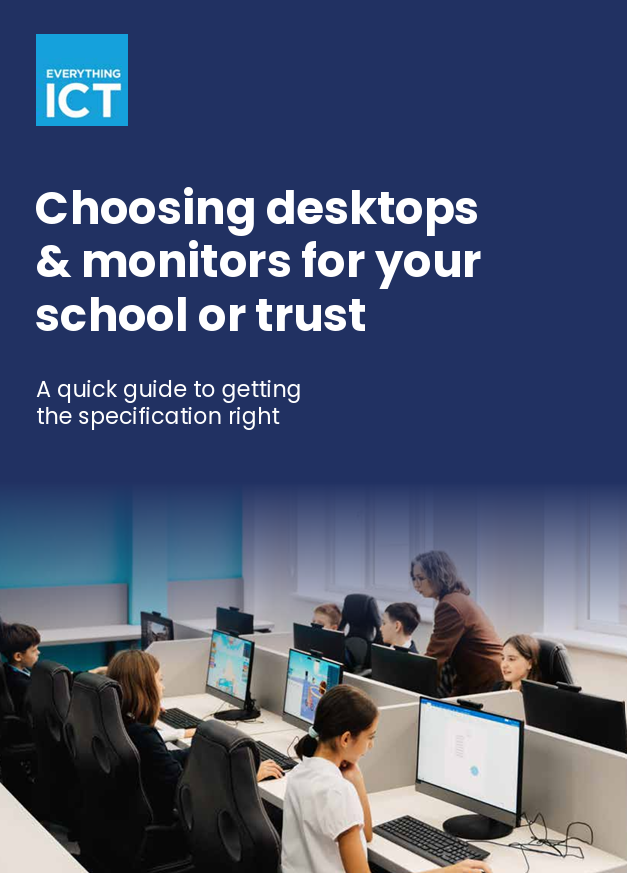
Desktop and monitor buying guide
The key decisions schools should consider when planning desktop and monitor purchases. It covers matching device performance to specific roles, standardising equipment across a school or trust, planning device lifecycles, and selecting appropriate form factors and energy-efficient systems.

AV screen buying guide
A practical overview to help schools and Multi-Academy Trusts plan, buy and install AV screens with confidence. It covers key decisions such as screen size, interactive versus non-interactive displays, wall-mounted versus mobile options, connectivity requirements and audio considerations.

Print buying guide
This guide helps schools plan and procure printers, multifunction devices and managed print services with confidence. It explores how to assess printing needs across teaching, administrative and reprographics environments, and explains the difference between fully managed print services and simpler print solutions designed for smaller schools.

AI Policy
Schools and trusts are increasingly exploring how AI can support teaching and administration. Explore our AI policy guidance for schools to help ensure AI is used safely, transparently and in line with safeguarding and regulatory expectations.

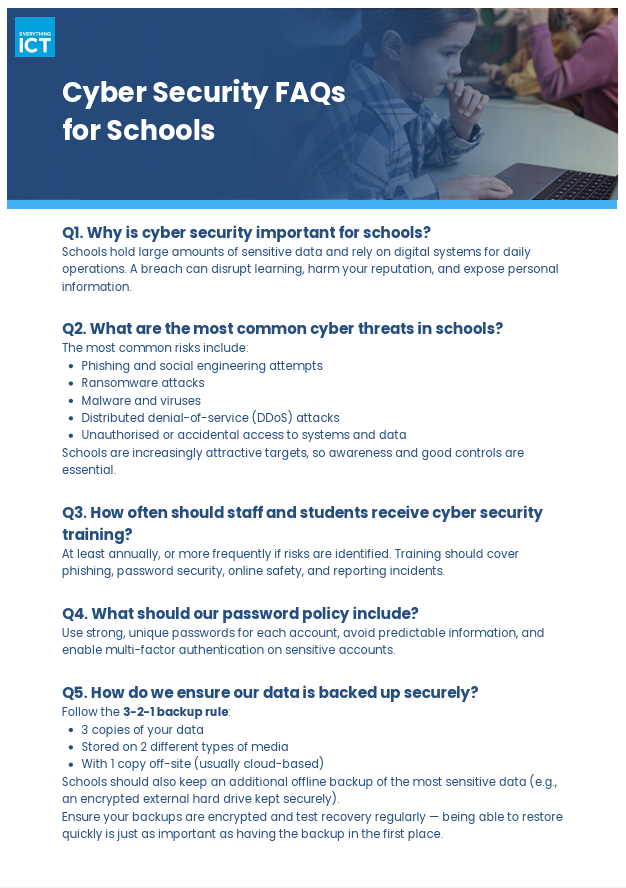
Cyber Security FAQs
Cyber security is becoming a growing priority for schools and trusts as more systems and data move online. Explore our Cyber Security FAQs for schools to understand common threats, strengthen staff awareness and ensure your systems, data and backups are protected.

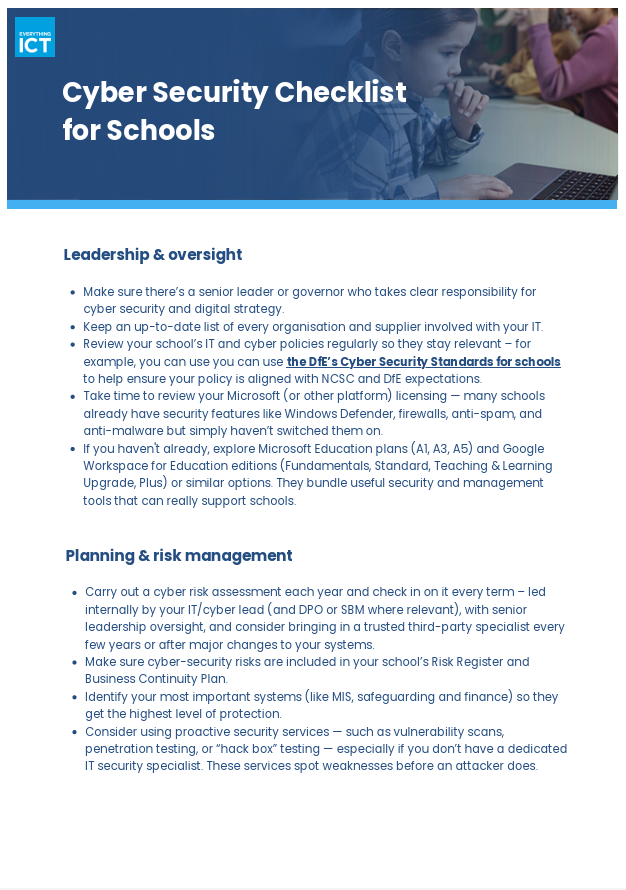
Cyber Security Checklist
Cyber threats against schools are increasing, making strong security processes essential. Use our Cyber Security Checklist for schools and Multi-Academy Trusts, to review leadership oversight, technical protection, staff training and incident response planning.

Refurbished and Recycling Guide
Schools and trusts are under pressure to stretch budgets, reduce environmental impact and dispose of old devices securely. Explore our practical guide to refurbished IT and recycling to see how schools and trusts can reuse devices safely, manage end-of-life hardware and stay compliant.